How to Complete IS700.b: An Introduction to the National Incident Management System
The IS-700.b course provided through FEMA.gov is required for full qualification as an FFT2 as outlined by the National Wildfire Coordinating Group (NWCG).
Step 1: Make a FEMA SID
A FEMA Student Identification (SID) number is a unique number generated and assigned to anyone who needs or is required to take training provided by a FEMA organization, such as the National Wildfire Coordinating Group (NWCG).
Go to the following website and click the “Register for a FEMA SID” button.
↳ Save your FEMA SID in a safe, secure location. You are not able to make another account with your information, and it may take weeks or months to receive your SID again.
You will need your FEMA SID to take the Final Exam

Step 2: Take the Course
IS700.b: An Introduction to the National Incident Management System is a required pre-requisite to receiving your Basic 40: Wildland Firefighter/Firelighter Certification.
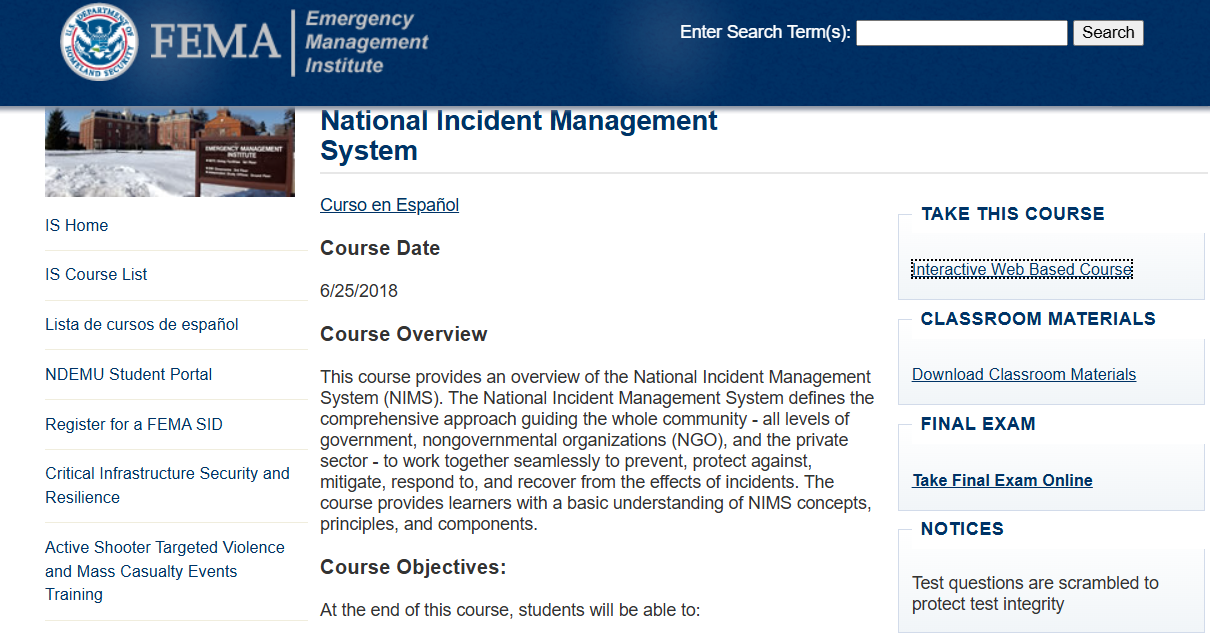
Go to the following website and click the “Interactive Web Based Course” button.
↳ https://emilms.fema.gov/IS0700b/curriculum/1.html
↳ Click through the slides using the buttons at the bottom of the page, and if you need to come back use the drop down at the top to find the section where you left off
This course takes participants about 3-4 hours to complete on average. Take it at your own pace, and refer back to content as needed.
Step 3: Take the Final Exam
After completion of the IS700.b coursework, you must complete the final exam. You have an unlimited number of attempts to take a 120-question, multiple-choice exam.
↳ Go back to the main IS700.b page and click the “Take Final Exam Online” button
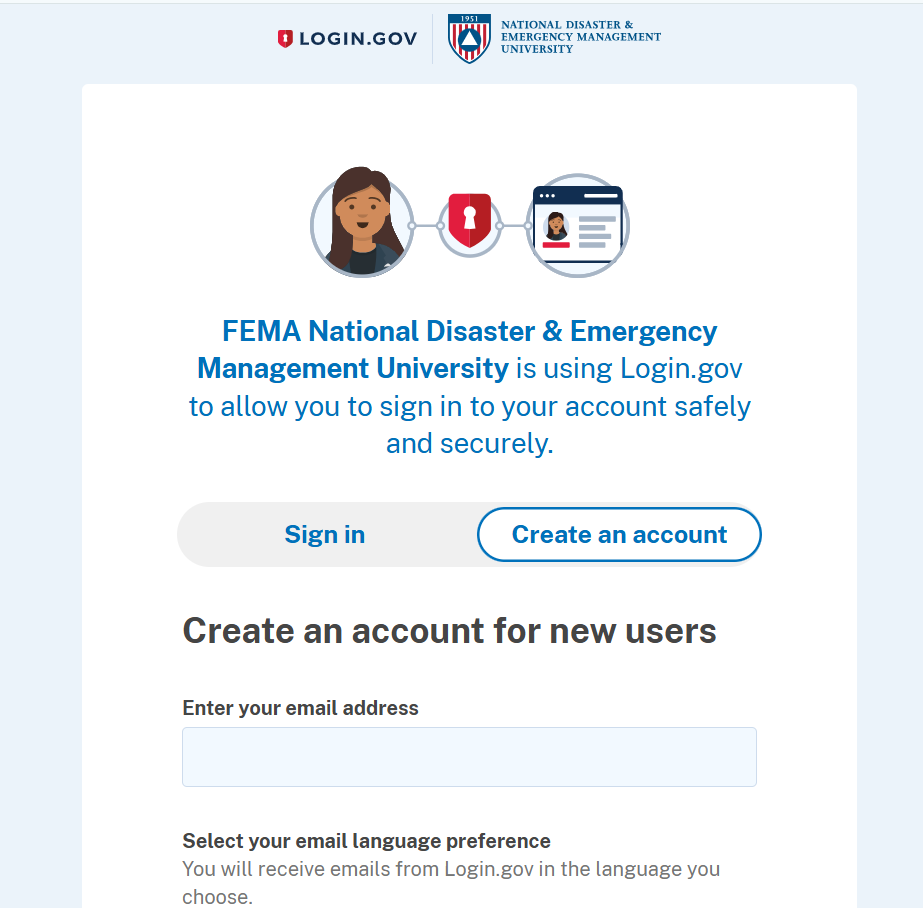
↳ Create a Login.gov account using the same email you set up when you applied for your FEMA SID.
↳ Once you have set up your account, sign in and take the exam. Best of luck!
Step 4: Submit your Certificate
Congratulations! You have now completed IS700.b! After the completion of your exam, you will receive a certificate of completion.
↳ Download your certificate to your desktop
↳ Email a copy of the PDF to the TERA staff member designated in your acceptance letter to the Basic 40 training.